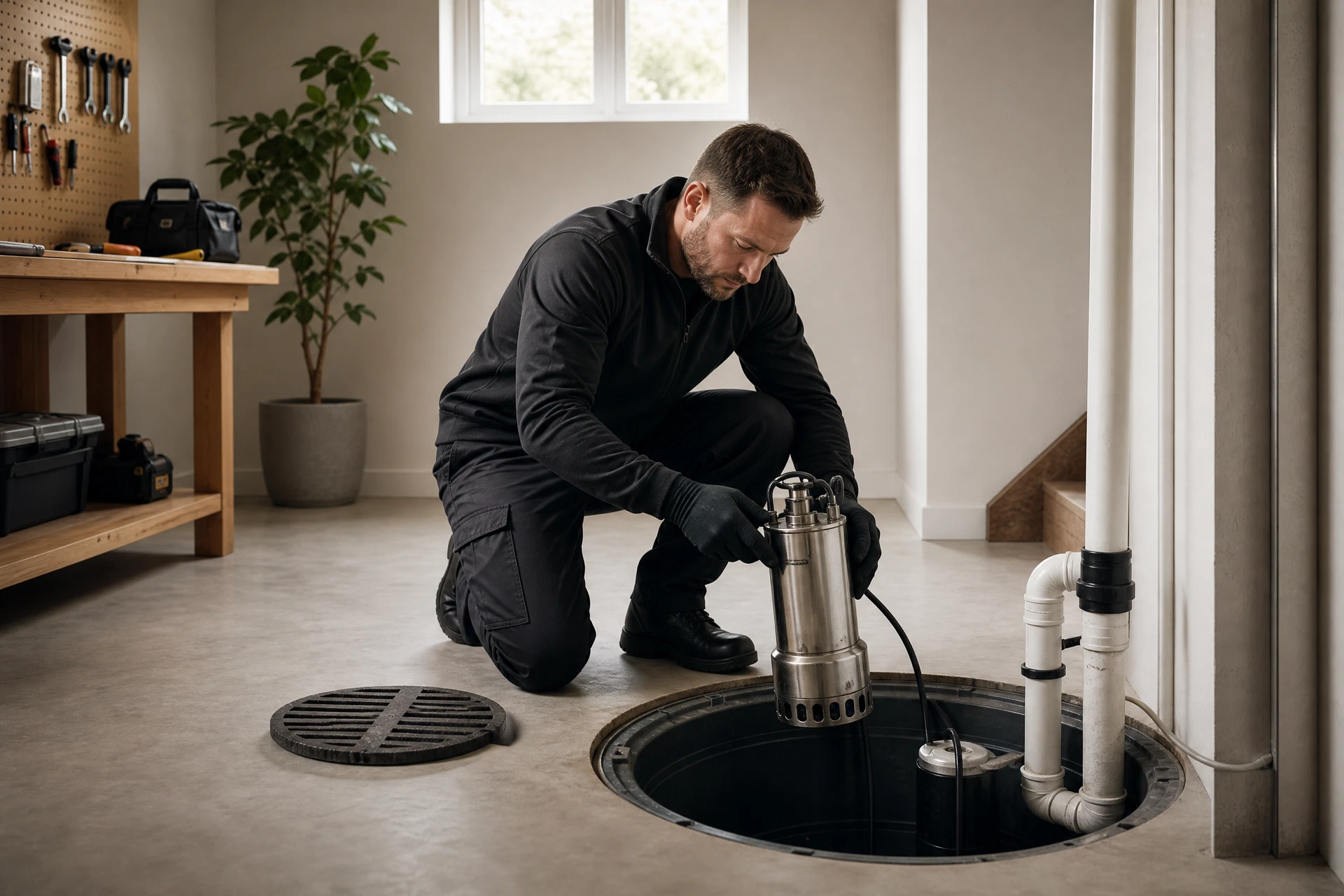
A sump pump that won't turn on during a storm is one of the most stressful situations a homeowner can face. Before calling for emergency service, there are four quick checks you can do in under five minutes that resolve the majority of no-power pump failures.
Step 1: Check the Power Outlet
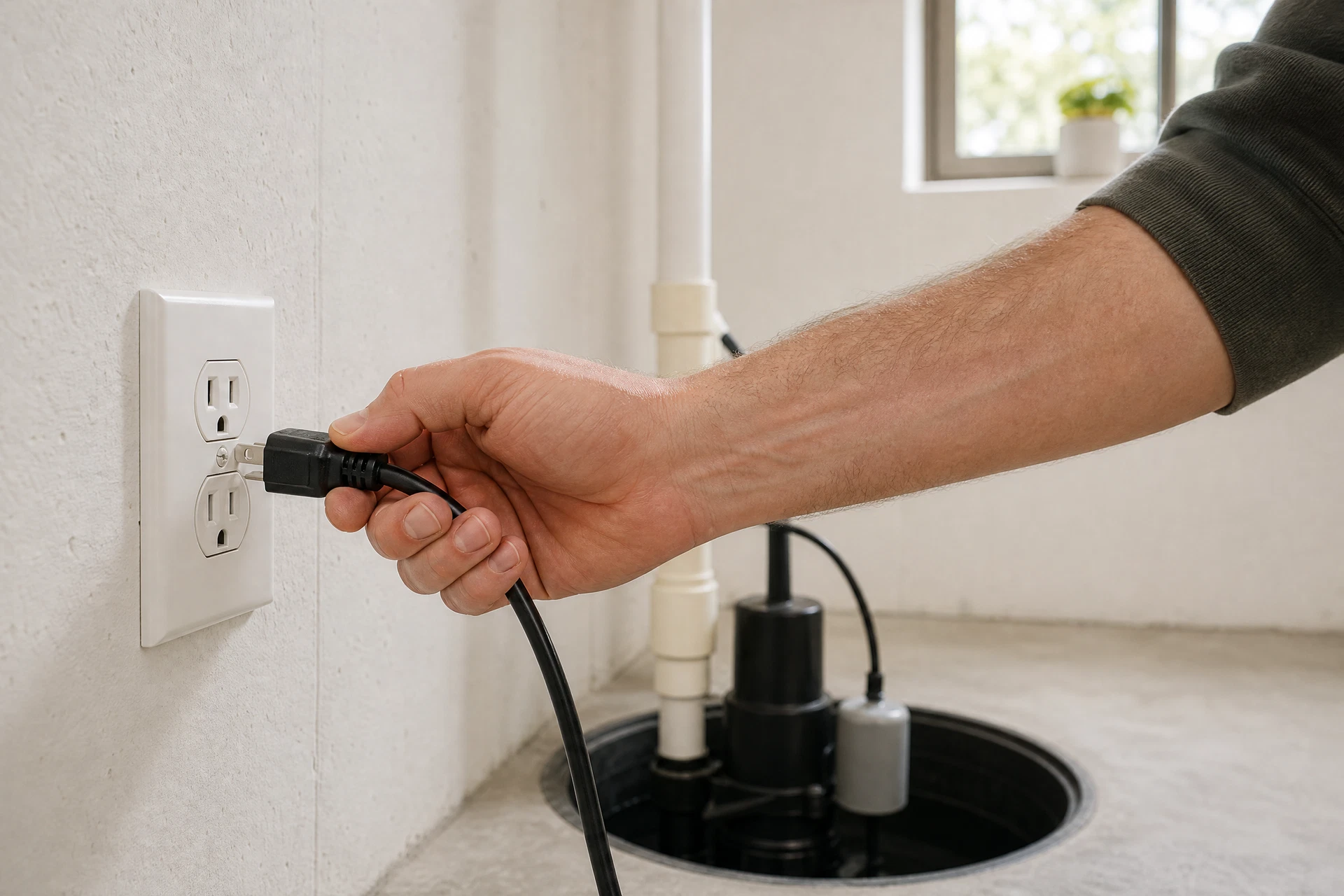
The most common reason a sump pump stops working is a lost power connection. Confirm the plug is fully seated in the outlet — vibration from normal pump operation can gradually loosen it over months. If the outlet has a GFCI button on it or nearby, press the Reset button. GFCI outlets trip automatically when they detect moisture, which is common in basements. A tripped GFCI looks identical to a normal outlet but will have a small Reset button between the two plug slots.
Step 2: Check the Circuit Breaker
If the outlet has power but the pump still won't run, go to your electrical panel and look for a tripped breaker. A tripped breaker sits in a middle position between On and Off. Flip it fully to Off first, then back to On. Sump pump circuits are typically labeled 'Sump Pump,' 'Basement,' or 'Utility.' If the breaker trips again immediately after resetting, stop — this indicates an electrical fault. Call Cape Cod Pump Company at 774-351-1600 rather than continuing to reset it.
Step 3: Test the Float Switch
The float switch tells the pump to turn on when water rises. If the float is stuck in the down position, the pump will never activate even when the pit fills. Locate the float — it looks like a small ball or cylinder attached to the pump by a short arm or cord — and manually lift it upward. You should hear the pump motor engage. If the pump runs when you lift the float manually but won't activate on its own, the float switch has failed and needs replacement.
Step 4: Check for a Clogged Intake Screen
Sump pumps draw water through a small intake screen at the base of the unit. Sediment and debris can clog this screen and cause the pump to overheat and shut down via its thermal protection. If the pump feels warm to the touch and won't restart, unplug it, wait 20 minutes for it to cool, then clear any visible debris from around the base before plugging it back in. If it still won't run after cooling, the motor has likely failed and the pump needs replacement.
When to Call for Emergency Service
If you have confirmed power at the outlet, reset the breaker, tested the float switch, and cleared the intake screen — and the pump still will not run — the motor may have failed. Cape Cod Pump Company provides 24/7 emergency response across Cape Cod and the South Shore. Call 774-351-1600 for next-step guidance.
Frequently Asked Questions
Why is my sump pump not turning on?
The most common causes are a loose or tripped power connection, a tripped GFCI outlet, a tripped circuit breaker, or a stuck float switch. Check these four things in order before calling for service. If all four check out and the pump still won't run, the motor has failed and the pump needs replacement.
How do I test my sump pump switch?
Lift the float switch manually — the ball or cylinder attached to the pump by a short arm or cord. If the pump motor runs when you lift the float but won't activate on its own, the float switch may have failed. Call Cape Cod Pump Company at 774-351-1600 to discuss service options.
Did my circuit breaker trip?
A tripped breaker sits in a middle position between On and Off in your electrical panel. Flip it fully to Off, then back to On. If it trips again immediately, do not continue resetting it — this indicates an electrical fault. Call Cape Cod Pump Company at 774-351-1600.
Is my sump pump plugged in securely?
Vibration from normal pump operation can gradually loosen the plug over months. Confirm the plug is fully seated. Also check for a GFCI outlet — these have a small Reset button between the plug slots and trip automatically when they detect moisture.
Cape Cod Pump Company — South Shore & Cape Cod, MA
Questions About Your Basement?
We are the dedicated sump pump specialists for Cape Cod and the South Shore. Schedule an assessment and get honest answers about your system — no pressure, no upselling.